Skip to content
View in the app

A better way to browse. Learn more.

ET CETERA | Radiohead News & Forum

A full-screen app on your home screen with push notifications, badges and more.

To install this app on iOS and iPadOS
  1. Tap the Share icon in Safari
  2. Scroll the menu and tap Add to Home Screen.
  3. Tap Add in the top-right corner.
To install this app on Android
  1. Tap the 3-dot menu (⋮) in the top-right corner of the browser.
  2. Tap Add to Home screen or Install app.
  3. Confirm by tapping Install.
  • Entries

    4
  • Comments

    0
  • Views

    1,294

About this blog

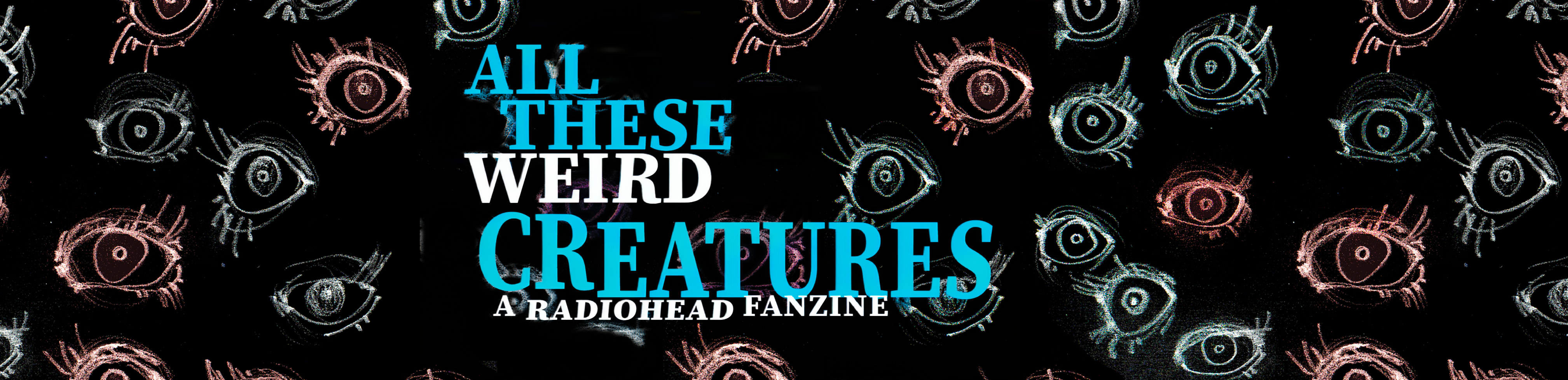
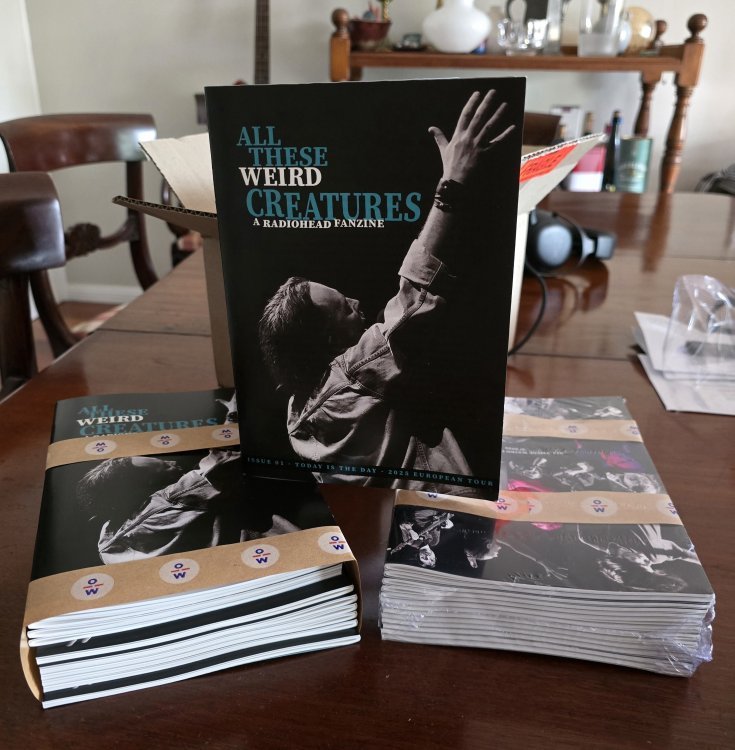
All These Weird Creatures is a 48-page, independently produced Radiohead fan-zine featuring original essays, photos, tour reflections, interviews, artwork, and deep dives into the band’s world and community. Parts of this will be posted online here, including an end of month 'IN CASE YOU MISSED IT' news roundup. You can find information about ordering a copy (limited) by emailing mail2thethief @ gmail.com

Entries in this blog

All These Weird Creatures is a 48-page, independently produced Radiohead fan-zine featuring original essays, photos, tour reflections, interviews, artwork, and deep dives into the band’s world and community.  It was assembled in Sydney and printed in a small, limited run of 100. This first batch is being released at cost. Consider it an early-supporter arrangement. Later copies, if they appear, will be priced accordingly. Contributors have been notified about their copies. Previews of the cover
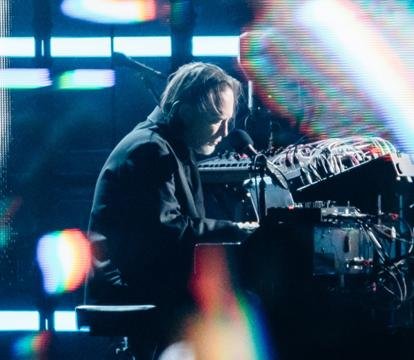
It’s the end of night two in Sydney. Thom Yorke has just left the stage. The lights come up, the crowd fractures and disperses. Down the front, we’re in a state of shock. We turn to each other and are unable to speak, except in strange snatches of delirious excitement. We laugh, we cry, we hug each other. We’ve just had one of the best nights of our lives. That was November 2024, on the Sydney Opera House forecourt. Just over a year later, Thom Yorke Live at Sydney Opera House premiered at the P

Account

Navigation

Search

Search

Configure browser push notifications

Chrome (Android)
  1. Tap the lock icon next to the address bar.
  2. Tap Permissions → Notifications.
  3. Adjust your preference.
Chrome (Desktop)
  1. Click the padlock icon in the address bar.
  2. Select Site settings.
  3. Find Notifications and adjust your preference.