

Print Orders for First Issue - Limited Run
By elly in ISSUE 001 - TODAY IS THE DAY
· 196 views
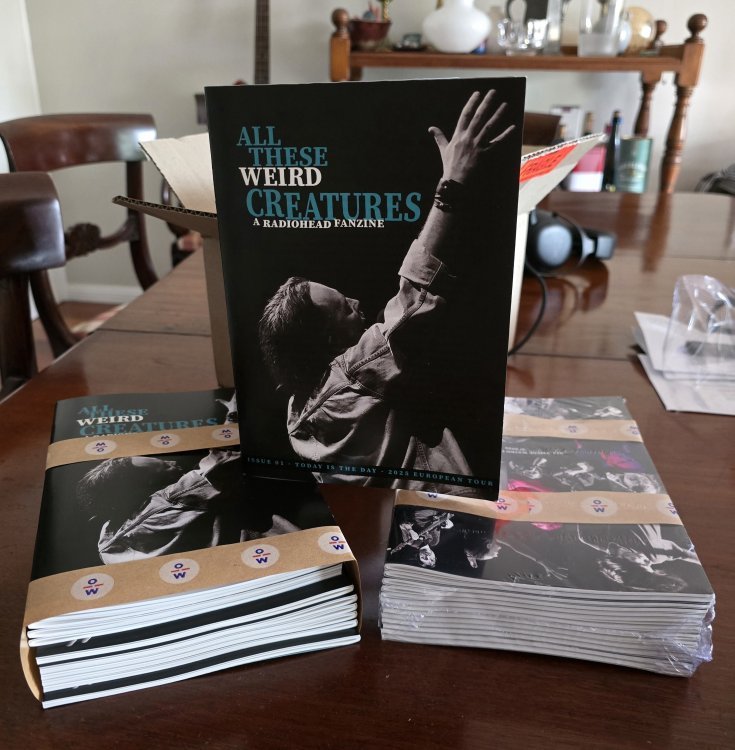
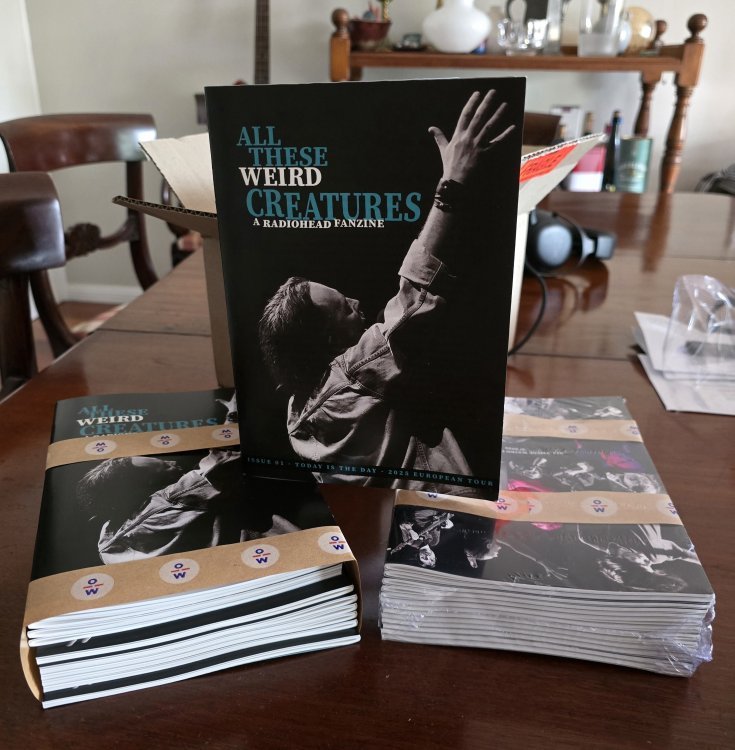
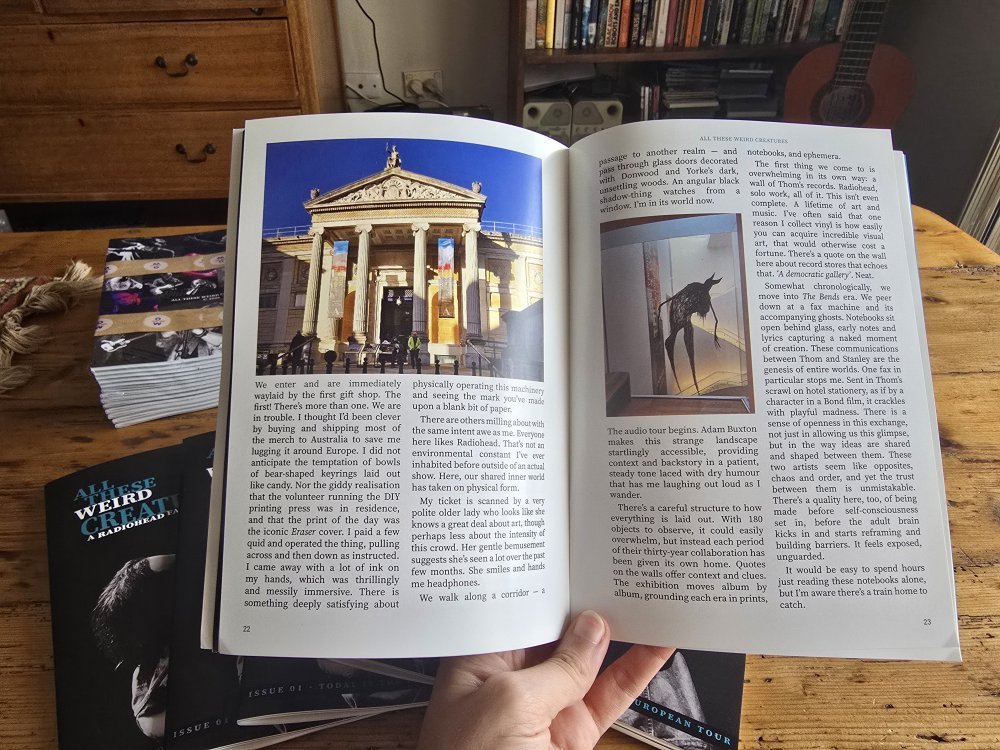
All These Weird Creatures is a 48-page, independently produced Radiohead fan-zine featuring original essays, photos, tour reflections, interviews, artwork, and deep dives into the band’s world and community.
It was assembled in Sydney and printed in a small, limited run of 100.
This first batch is being released at cost. Consider it an early-supporter arrangement. Later copies, if they appear, will be priced accordingly.
Contributors have been notified about their copies.
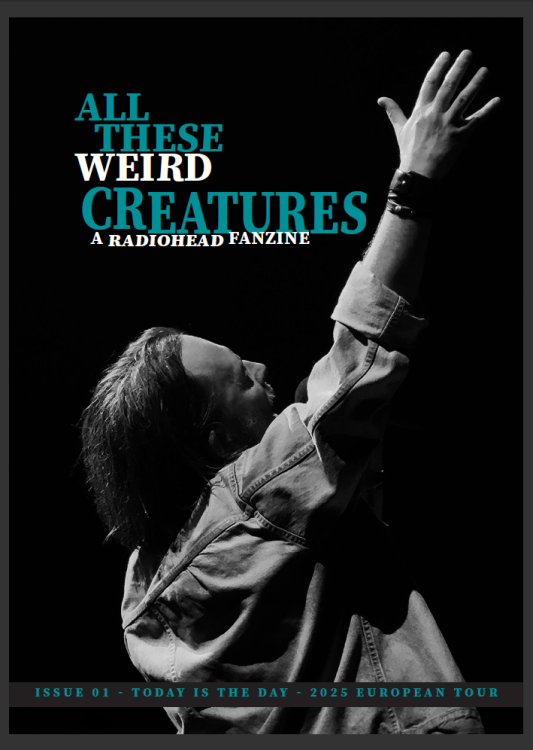
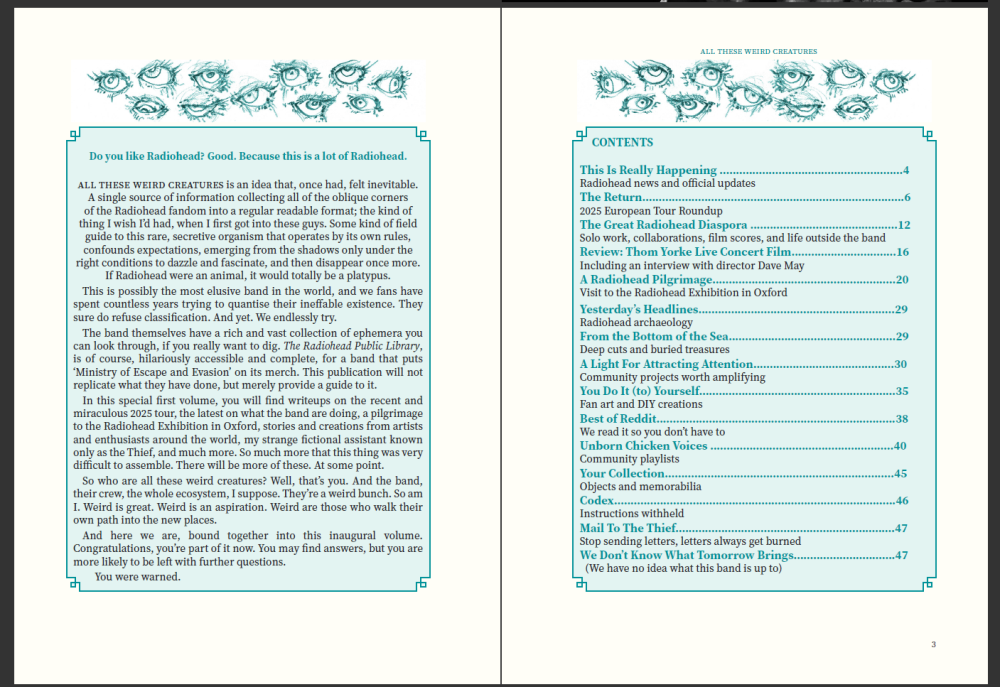
Previews of the cover (photograph by Redditor Laura Kemeklyte) and selected contents are included below. Some features will surface online in the coming weeks via Etcetera Forum and Reddit.
Below you will find a link. It is up to you to use it.
You will receive order confirmation within two days of payment. Please email mail2thethief@gmail. com if you do not receive this, or for any enquiries.
Please be warned that my creepy fictional assistant, The Thief, runs this email account and may occasionally need prompting.
I would like to get this out to as many people as possible, so please spread the word. The aim is to produce it quarterly, and you are encouraged to write in with contribution ideas - check out the contents page for an idea of what's covered.
-elly
-
 2
2
Recommended Comments